
What microphone should I buy for singing at home?
For singing at home, a dynamic microphone with an audio interface and closed-back headphones is usually the most practical choice. We explain when a condenser is the better option.
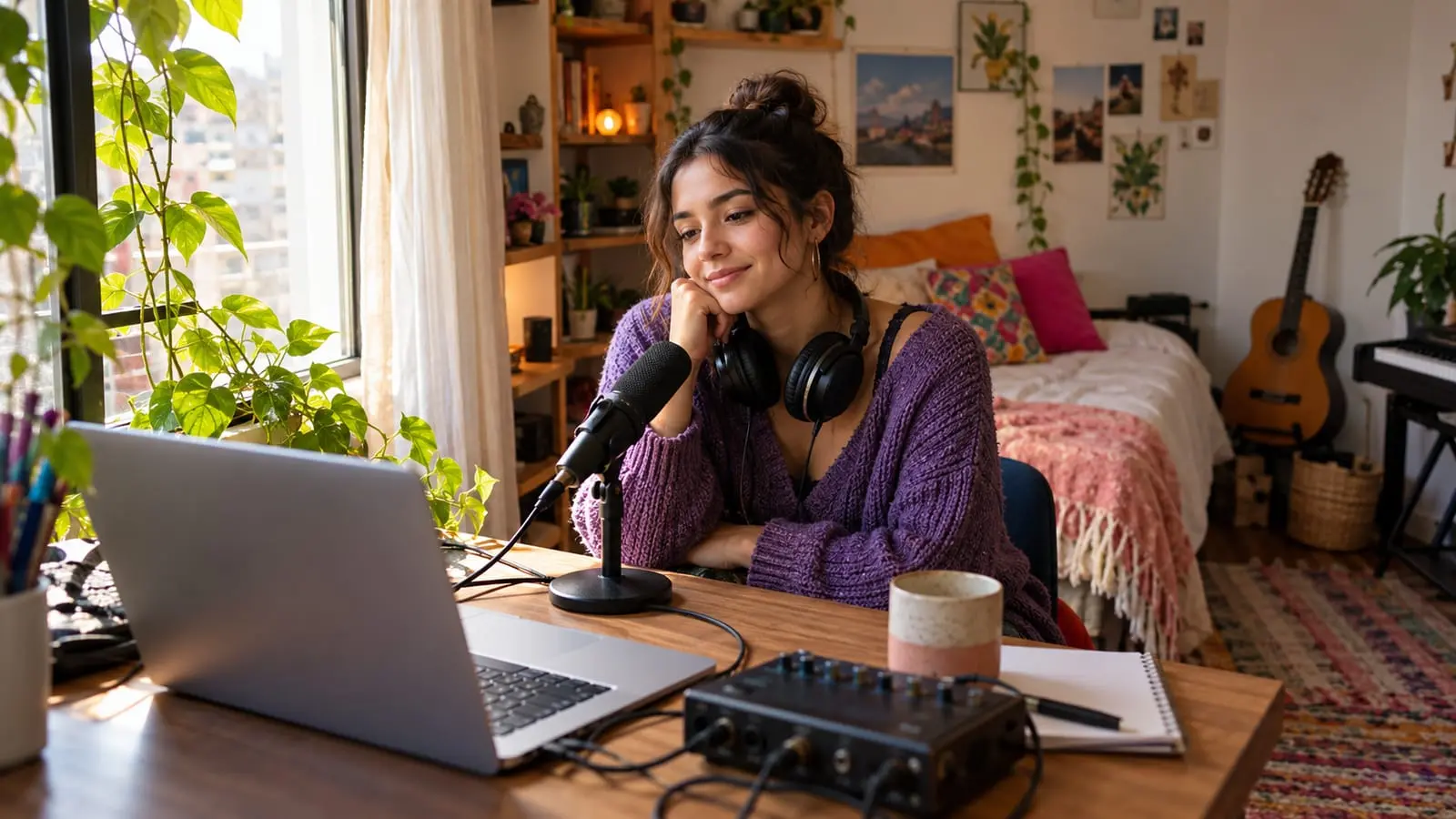
For singing at home in a room without acoustic treatment, the most practical option is usually a cardioid dynamic microphone connected to an audio interface, with closed-back headphones. It picks up your voice while leaving out much of the household and street noise. A condenser microphone captures more detail, but also the room's echo and every background noise, so it works best in a quiet space with some acoustic treatment.
Before buying, decide what you'll use it for: practicing, recording yourself, online lessons or all of these. Each has different needs, and for some you don't even need a microphone.
In short
- You don't need a microphone to practice technique: you develop your voice without amplification.
- For recording yourself and taking online lessons, a cardioid dynamic microphone is the most forgiving option in noisy rooms.
- A condenser needs 48-volt phantom power, more careful handling and a quiet room.
- An interface with direct monitoring lets you hear yourself without delay.
- Sing with wired, closed-back headphones: Bluetooth headphones have a delay and aren't suitable for singing along to a backing track.
First: what do you need it for?
| Goal | Do you need a microphone? | The simplest setup that works |
|---|---|---|
| Practicing technique and repertoire | No | Your voice, a mirror and your phone to record yourself occasionally |
| Recording yourself to hear your progress | Not at first | Your phone's recorder a meter away, in a room with little echo |
| Online singing lessons | It helps a lot | A dynamic or USB microphone and wired headphones |
| Recording covers or demos | Yes | Microphone, audio interface, closed-back headphones and recording software |
| Singing to a backing track at gatherings or events | Yes | A handheld dynamic microphone and a speaker or amplifier |
A microphone doesn't improve your pitch or breathing: it amplifies what you already do. That's why technique comes first. Vocal warm-up exercises and lessons provide the foundation; the microphone helps you hear yourself better and lets your teacher hear your voice clearly.
Dynamic or condenser
| Aspect | Dynamic | Condenser |
|---|---|---|
| Sensitivity | Lower: mainly picks up nearby sounds | High: picks up detail and the room sound too |
| Background noise | Leaves out much of it | Picks up buses, dogs, the refrigerator and echo |
| Power supply | Not required | 48 V phantom power from the interface, or built-in power for USB models |
| Resistance | Highly resistant to knocks and bumps | More delicate |
| Working distance | Close to your mouth, a few centimeters away | A little farther away, with a pop filter |
| Ideal for | Untreated rooms, online lessons, live singing | Recording in a quiet, acoustically treated space |
In either case, look for a cardioid or supercardioid pattern: it mainly picks up sound from the front and rejects sound from behind. Large-diaphragm condensers are commonly used for vocals.
Keep the proximity effect in mind: the closer you get to a directional microphone, the more bass it picks up. Use this to your advantage if your voice sounds thin, and move back a little if it sounds boomy.
USB microphone or microphone with an interface
A USB microphone connects directly to your computer with everything built in: it's the simplest route for online lessons and basic recordings. A microphone with an XLR connector needs an audio interface, a small box that converts the signal and connects to your computer. That's an extra step, but it lets you change microphones later without replacing everything, and you can use the same microphone with a speaker or a stage sound system.
What to check in an audio interface
- At least one XLR input with a preamp and gain knob.
- 48 V phantom power, in case you use a condenser someday.
- A headphone output with its own volume control.
- Direct monitoring, so you can hear yourself without routing the sound through the computer.
- Compatibility with your device: computer, tablet or phone; phones usually need an adapter.
Delay matters more than you might think: hearing your own voice a fraction of a second late is disorienting and makes you sing out of tune. The interface's direct monitoring solves this.
Headphones: closed-back and wired
- Closed-back: they keep the backing track from bleeding into the microphone while you record. Open-back headphones are comfortable for listening, but their sound leaks into the recording.
- Wired: Bluetooth headphones have a delay; they're fine for listening to music, but not for singing along to a backing track or monitoring yourself.
- Comfortable: they should fit around your ears without squeezing, because you'll be wearing them for a while.
- One ear uncovered: many singers take one earcup off to hear their natural voice in the room and sing more accurately. Give it a try.
Keep the volume moderate. If you turn up your headphones to hear yourself over the backing track, you tend to sing louder than necessary and tire your voice; we discuss habits like these in how to care for your voice.
How to get the most out of it at home
- Put the microphone on a stand rather than holding it when recording: this avoids handling noise and keeps the distance consistent.
- Use a pop filter with a condenser to soften p and b sounds.
- Set the gain while singing the loudest part of your song: the interface's indicator shouldn't turn red. Recording a little quietly is better than clipping.
- Choose your spot in the room: facing a closet full of clothes, thick curtains or a bed gives you less echo. Avoid singing toward a bare wall or an empty corner.
- Close the windows and turn off fans; in a city like Bogotá, street noise gets in easily.
- Listen through headphones rather than your computer speakers to hear the details in your recording.
For online singing lessons
In an online lesson, the biggest difference comes from the app settings rather than a sophisticated microphone. Video-call platforms are designed for speech and tend to cut off sustained notes and changes in volume. Enable original sound or music mode and turn off noise suppression; we explain how in equipment for online music lessons.
Because of internet delay, you and your teacher can't sing or play at exactly the same time. Usually, your teacher sends you the backing track or accompaniment and you sing along to it on your end, wearing headphones so the track doesn't feed back through your microphone. If you're thinking of starting, our singing lessons offer a choice of online or in-home lessons.
Common buying mistakes
- Buying a condenser for a noisy room with lots of echo.
- Recording with a karaoke microphone with a built-in speaker: it's fine for fun, but not for hearing your voice in detail.
- Singing with Bluetooth headphones.
- Forgetting the microphone stand and cable: without them, the setup won't work.
Frequently asked questions
Can I take online singing lessons without an external microphone?
Yes. Many students start with their computer or phone microphone and headphones. Setting up the app properly often improves the sound more than changing microphones; an external one becomes useful when you want greater clarity or to record yourself.
Which is better to start with: a USB microphone or one with an interface?
If you only want online lessons and simple recordings, USB is practical. If you plan to record more seriously, sing live or change microphones later, an XLR microphone with an interface can grow with you.
How far from the microphone should I sing?
With a dynamic, a few centimeters away; with a condenser, a little farther, roughly a handspan, with the pop filter in between. Adjust by listening: if it sounds boomy, move back; if it sounds distant and echoey, move closer.
Will a good microphone make me sing better?
It makes you sound clearer, rather than more in tune. Pitch accuracy, breathing and tone are developed through technique; the microphone only captures what you already do.
Sources
We checked the facts in this article against these sources on October 22, 2026.
- Shure: a beginner’s guide to home recording (microphones, audio interface, headphones, and gain)
- Shure: how to choose a microphone for podcasting (cardioid pattern, background noise, USB and XLR, pop filter)
- Shure: SM58 and Nexadyne 8 for live vocals (cardioid dynamic microphones)
- Wikipedia: phantom power (the 48 V standard and which microphones use it)